My Safe - Password Manager2.7
Publisher Description
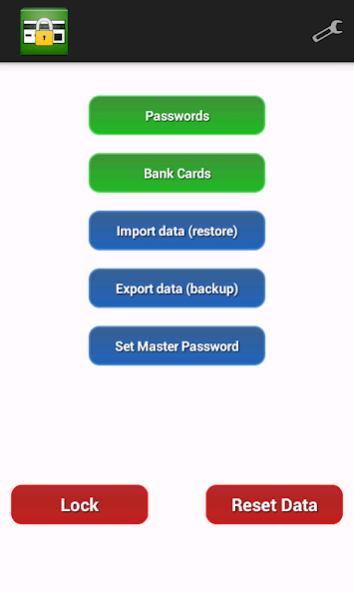
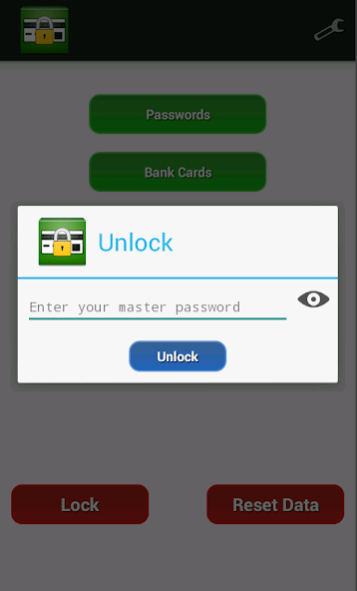
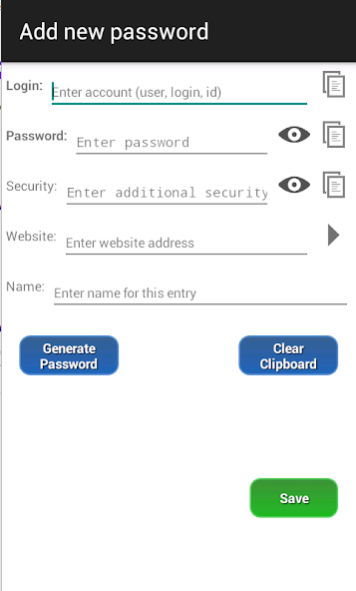
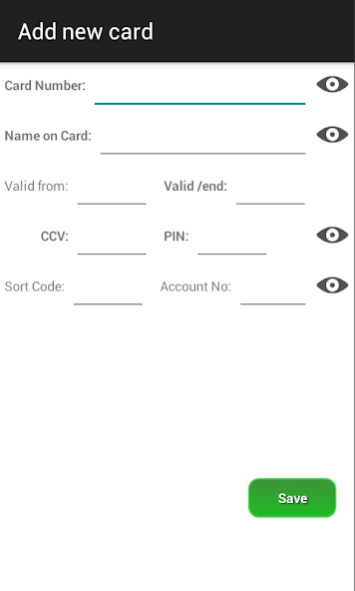
My Safe is a secure password manager and electronic wallet on your mobile device. It works just like a real safe - you can store your sensitive data such as passwords for web accounts, details for bank accounts, cards and PIN numbers and all you need to remember is one combination (master password) to unlock the safe. There is also a built-in password generator if you ever need one.
The app uses powerful encryption mechanism to keep your data safe and secure. Your data is stored on your device's private storage and it stays there except if you want to make a backup and send it to your e-mail. Even if your phone is lost or stolen your data is still safe because it can only be decrypted by knowing your master password which is also encrypted itself.
Key features include:
* storing details and passwords for web accounts
* storing bank card details
* searching for saved passwords
* backing up saved passwords
* restoring backed-up data
* setting the master password
* generating new passwords
Thank you for using our app.
About My Safe - Password Manager
The company that develops My Safe - Password Manager is DevMainApps. The latest version released by its developer is 2.7.
To install My Safe - Password Manager on your Android device, just click the green Continue To App button above to start the installation process. The app is listed on our website since 2020-06-17 and was downloaded 2 times. We have already checked if the download link is safe, however for your own protection we recommend that you scan the downloaded app with your antivirus. Your antivirus may detect the My Safe - Password Manager as malware as malware if the download link to net.devmain.passwordmanager is broken.
How to install My Safe - Password Manager on your Android device:
- Click on the Continue To App button on our website. This will redirect you to Google Play.
- Once the My Safe - Password Manager is shown in the Google Play listing of your Android device, you can start its download and installation. Tap on the Install button located below the search bar and to the right of the app icon.
- A pop-up window with the permissions required by My Safe - Password Manager will be shown. Click on Accept to continue the process.
- My Safe - Password Manager will be downloaded onto your device, displaying a progress. Once the download completes, the installation will start and you'll get a notification after the installation is finished.
Program Details
System requirements
Download information
Pricing
Version History
version 2.7
posted on 2020-06-18
* one of the most secure password manager app
* securely store passwords and credentials
* securely store cards and bank accounts details
* password generator for getting more secure passwords
* option to export and import backup of your safe
version 2.6
posted on 2020-06-10
* security improvements
* securely store passwords and credentials for web accounts
* securely store cards details
* password generator for getting more secure passwords
* option to export and import backup of your safe
version 2.4
posted on 2020-05-16
* store passwords and credentials for web accounts
* password generator for getting more secure passwords
* free app with option to remove ads and unlock premium features
* option to export and import backup of your "safe"
* improvements and fixes
version 2.3
posted on 2019-01-05
* store passwords and credentials for web accounts
* password generator
* free app with option to remove ads and unlock premium features
* option to export and import backup for safe data
* improvements and fixes for reported issues
version 1.6
posted on 2016-05-15
* store passwords and credentials for web accounts,* password generator,* support for Android 6.0,* free app with option to remove ads and unlock premium features,* export and import backup
